In a digital-first workplace, enterprise users access systems from various locations like offices, remote setups, or even mobile environments. While this flexibility drives productivity, it also increases exposure to potential security threats. To protect critical business data, authentication, and the process of verifying who is accessing a system plays a central role. Yeedu reinforces this with a strong foundation in enterprise user authentication that ensures every login is both secure and governed.
Yeedu is designed with enterprise-grade authentication at its core. It ensures that only verified, authorized users can access sensitive resources, minimizing the risk of data breaches and unauthorized access through a centralized identity management system that aligns with enterprise policies.
In today’s enterprise environment, authentication has become one of the most critical components of maintaining data security. Many organizations face growing risks from weak or misconfigured login mechanisms that can lead to unauthorized access, data corruption, and large-scale data breaches.
Simply developing an application is no longer enough without secure authentication; even the most advanced systems can become gateways to serious security incidents. That’s why robust enterprise user authentication, the process of verifying who’s accessing your systems, has become the cornerstone of modern security strategies.
Yeedu provides a secure environment where only authenticated and registered users can log in, preventing potential data breaches or data loss. To achieve this, Yeedu integrates with standard and trusted enterprise authentication mechanisms:
These capabilities together form a centralized identity management system, ensuring that only the right users can access the right resources based on their identity and permissions.
Once a user logs into Yeedu, their access is controlled by permissions defined at either the user or group level. This means:
This structure ensures that even within an organization, users only interact with the data and services relevant to their role, reducing the risk of unauthorized exposure.
LDAP (Lightweight Directory Access Protocol) is a standard protocol for accessing and managing user information stored in a centralized directory. Yeedu integrates this through a fully governed LDAP authentication workflow, ensuring consistency and security across large enterprise user groups.
This centralized structure makes LDAP ideal for large enterprises with complex user hierarchies and permissions.
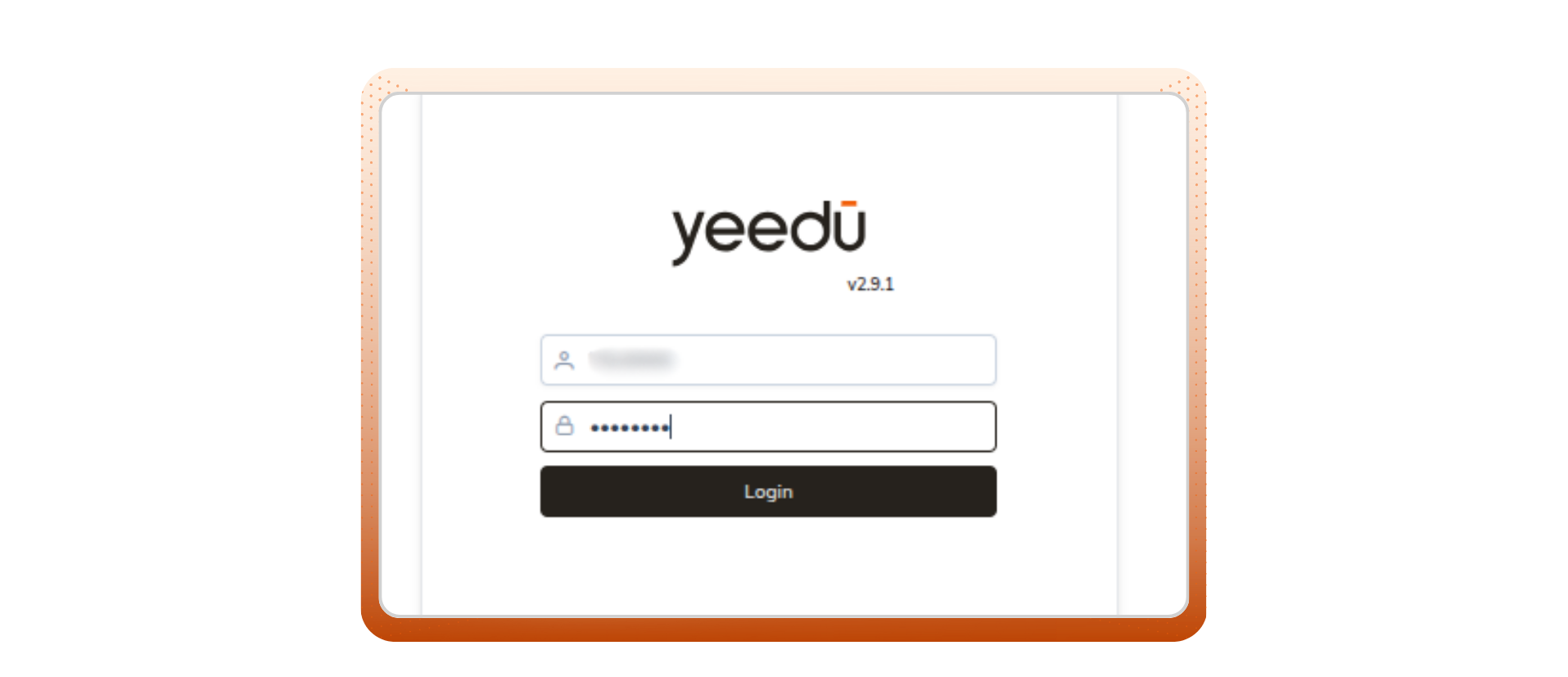
Yeedu supports authentication through Single Sign-On (SSO), leveraging your organization’s Azure Active Directory (AAD) to deliver a seamless and secure login experience. This is part of Yeedu’s stronger focus on integrating modern identity systems like Azure Active Directory authentication and enterprise-wide SSO authentication patterns.
When configured with Azure SSO, users can access Yeedu using their existing Microsoft 365 credentials, eliminating the need for separate passwords or local authentication. This tighter alignment with Microsoft Azure SSO integration gives organizations security and governance without adding complexity.
At first the enterprise must register Yeedu in Azure, which provides:
To add a user to Yeedu, we first add the user to the AD group and once added, the user can login to Yeedu.
Using AAD authentication, when a user attempts to log in through Azure AD:
This process ensures that user credentials are never stored locally within Yeedu, aligning with enterprise-grade Azure Active Directory authentication standards.
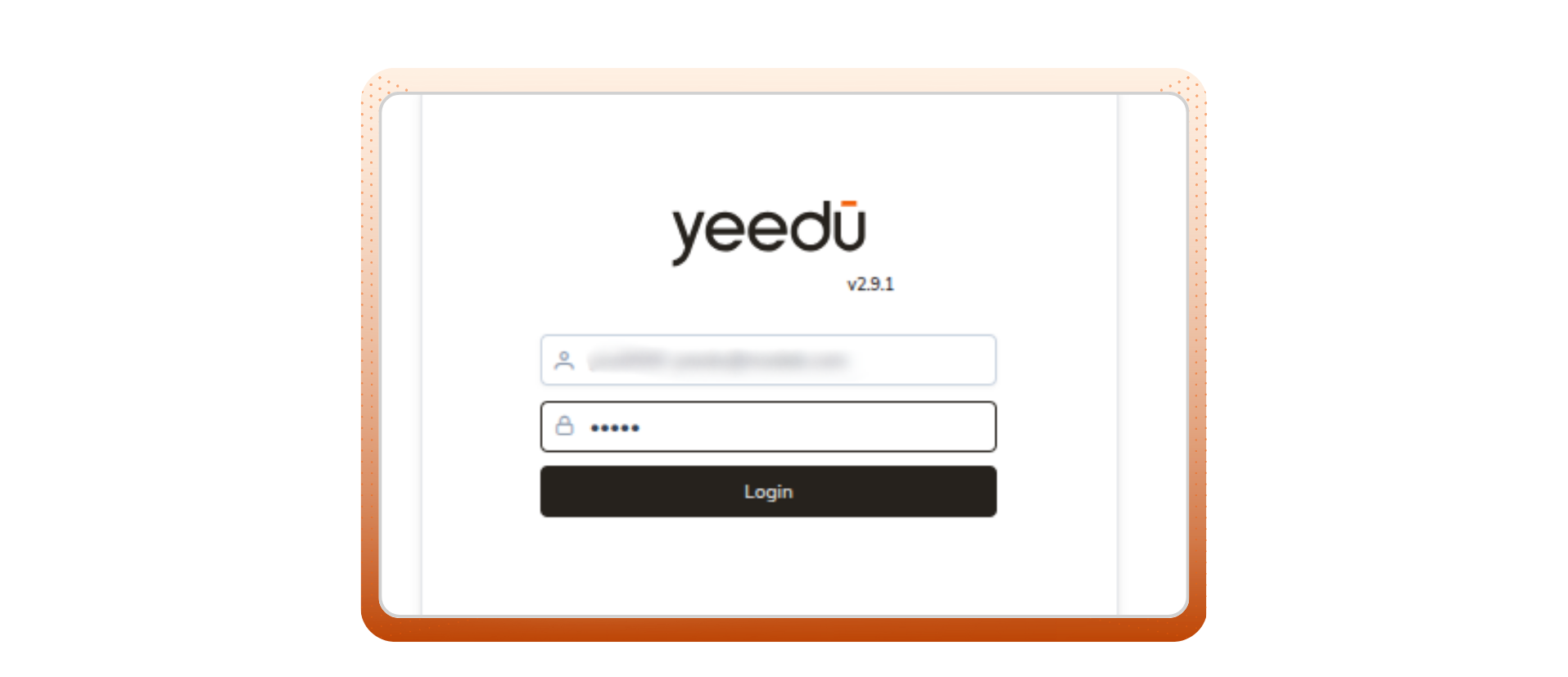
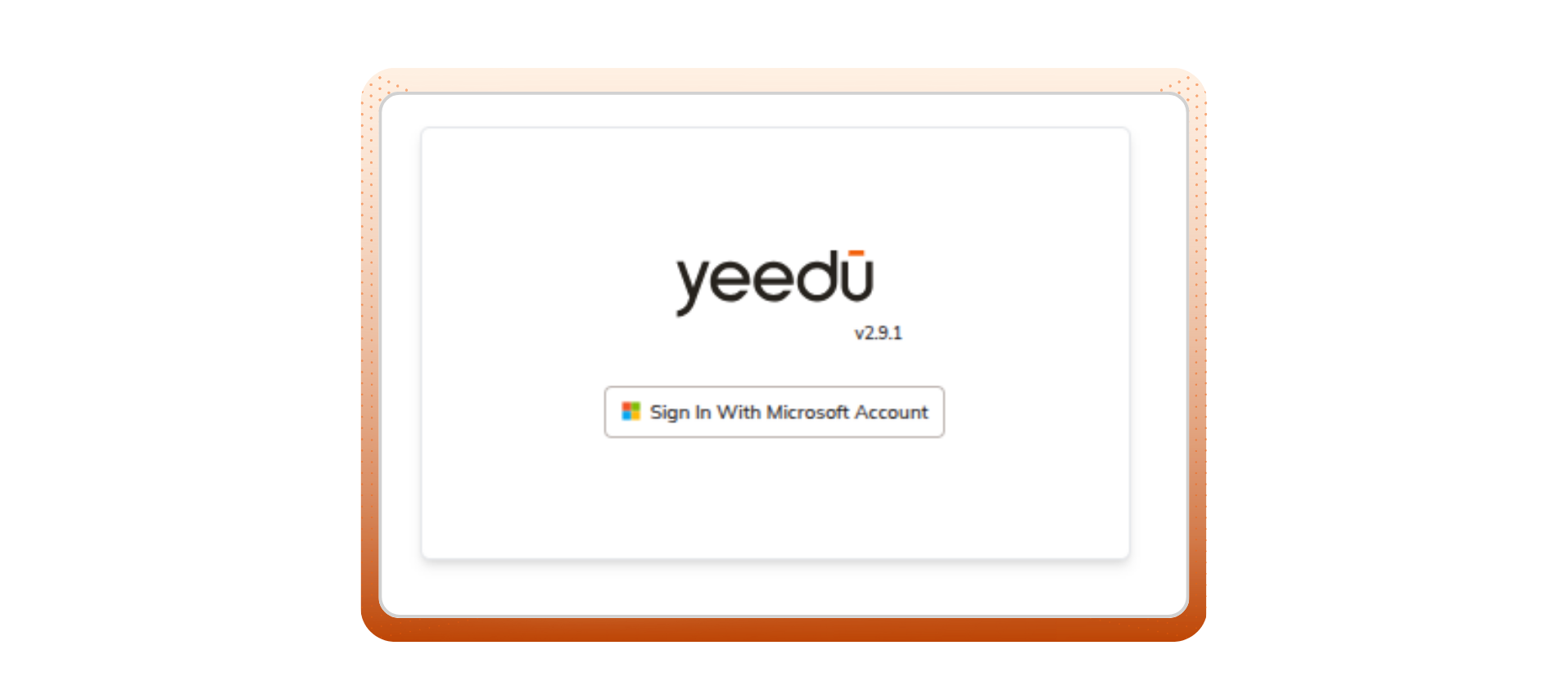
In the Single Sign-On (SSO) authentication process, users enjoy a seamless and secure login experience without the need to manually re-enter their credentials each time they access Yeedu.
1. The user does not manually enter credentials within Yeedu
In a traditional login flow, users type in their username and password directly into the Yeedu login page. However, with SSO, this step is bypassed.
2. Authentication happens automatically through the user’s existing Microsoft login session
If the user is already signed into their Microsoft 365 account (for example, through Outlook, Teams, or SharePoint), they won’t even see the login page.
This automatic sign-in process is what makes SSO so powerful:
Why These Methods Matter
All three authentication methods LDAP, AAD, and SSO play a crucial role in strengthening enterprise security. They help organizations:
By combining these approaches, Yeedu enables businesses to maintain strong identity assurance while simplifying user access.
Every login in Yeedu passes through LDAP authentication workflow, SSO authentication, and Microsoft Azure SSO integration, ensuring that:
In essence, Yeedu’s authentication framework balances strong security with user convenience, helping organizations maintain data integrity, regulatory compliance, and operational efficiency.
Enterprise authentication is not just about logging in it’s about logging in securely. By leveraging LDAP, Azure AD, and SSO, Yeedu ensures that every user session is validated, encrypted, and authorized.
This multi-layered approach minimizes risks, enhances user trust, and supports a scalable centralized identity management system for modern enterprises.
Yeedu ensuring secure access, every time.